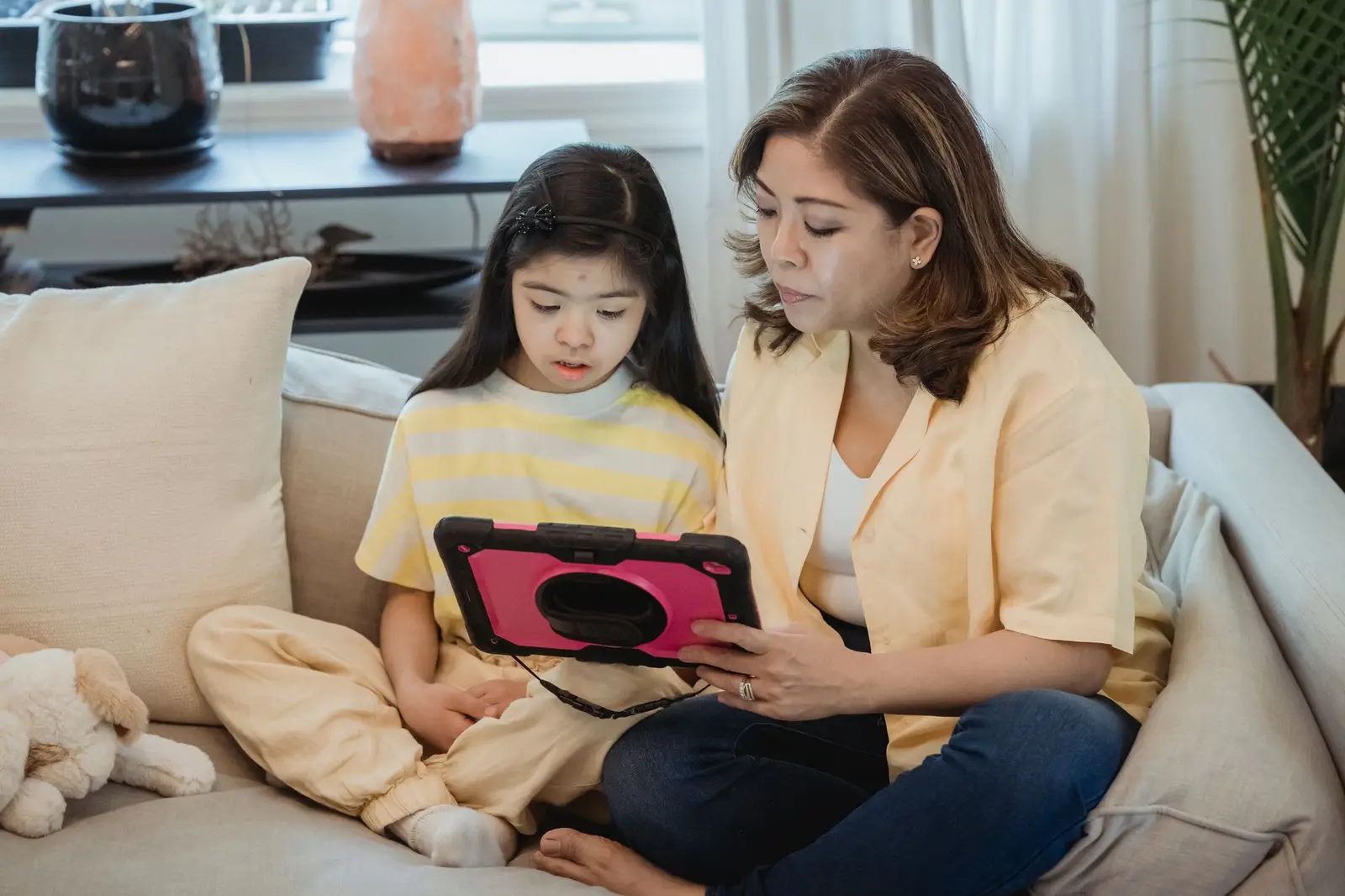
- Use a sturdy case.
- Keep the home screen simple.
- Turn on Guided Access to lock one app.
- Install tool apps first.
What settings help most?
| Setting | Why |
|---|---|
| Guided Access | Locks the iPad to one app during routines |
| Screen Time | Limits games and blocks purchases |
| One-page home screen | Fewer choices, easier to find tools |
| Notifications off | No pop-ups during routines |
| Volume limit | Protects sensitive ears |
Apple explains how to turn on Guided Access in Settings, Accessibility.1
Which apps should I install first?
- A visual schedule or first-then app for routines.
- An AAC app, if your child's speech therapist recommends one.2
- A few calm, ad-free play apps.
Read more: What are the best visual schedule apps?
Try
- A folder for tool apps
- The same layout every day
- Charging it in the same place
Skip
- Apps with ads
- Rearranging icons often
- Using the communication iPad for games
Free printable: starter packPDF · 3 pages · morning schedule, first-then board and 5-star token chart
Download Free printable: starter packWhat can I set up this week?
0 of 3 done